Lyrixound for Chrome
Synced lyrics for the song playing in Chrome
Play a song on YouTube, YouTube Music, or another web music player, and Lyrixound shows synced lyrics beside the page. The Chrome Web Store listing is coming soon. You can download the extension now and install it from the zip.
Version 0.1.0. Works in any Chromium browser, including Google Chrome, Microsoft Edge, Brave, Opera, and Vivaldi. Privacy policy.
Install from the zip
Chromium browsers load this build as an unpacked extension. Keep the unzipped folder. Deleting it removes the extension.
-
Download and unzip
Save the zip, then extract it to a folder you will leave in place.
-
Open extensions
Go to ( in Edge, in Brave) and turn on Developer mode. Click an address to copy it, then paste it into the address bar.
-
Load the folder
Choose Load unpacked and select the folder that contains manifest.json.
What the extension does
It follows the song in the tab you are playing on YouTube, YouTube Music, and other popular music services, and keeps a lyrics window on the page.
-
YouTube and music services
Works with YouTube and YouTube Music, and with web players such as SoundCloud, Spotify, Apple Music, TIDAL, Deezer, Amazon Music, and Yandex Music. It reads the title, artist, and artwork the page reports.
-
Synced lyrics
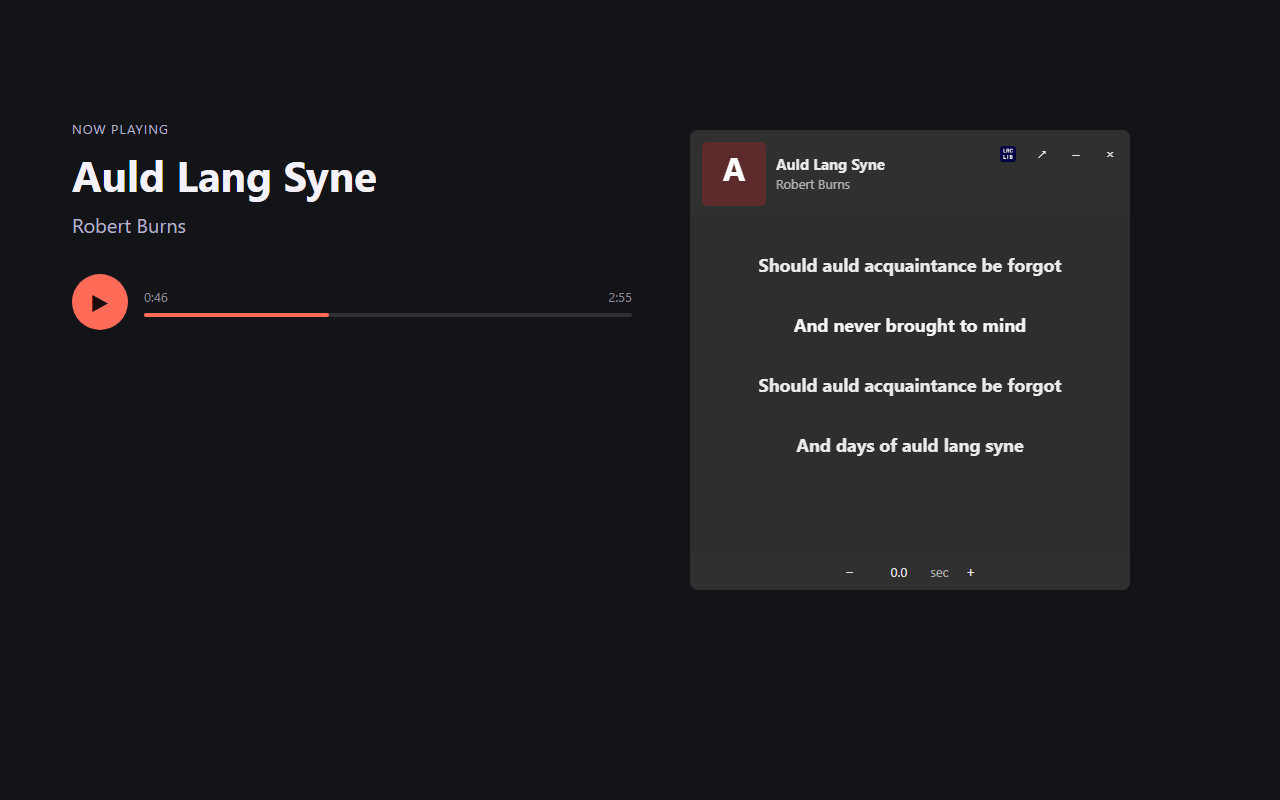
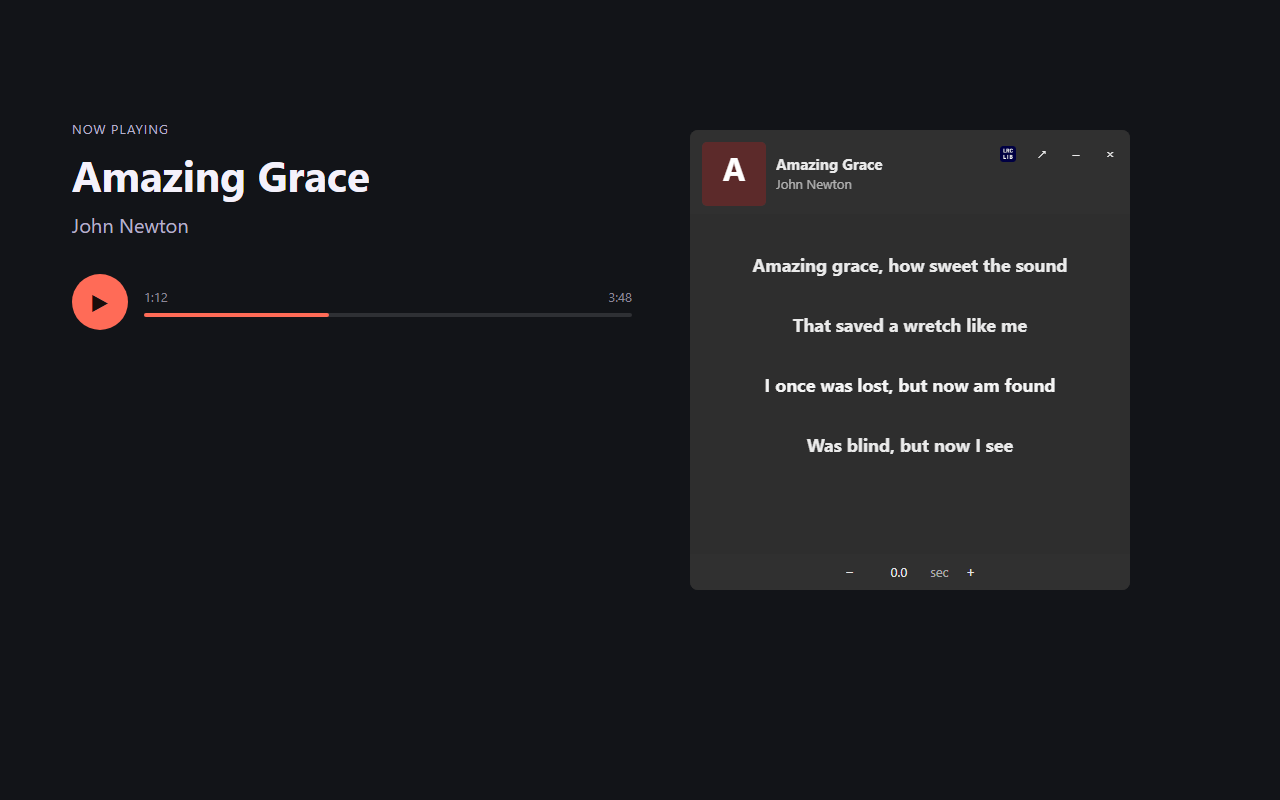
The current line stays highlighted and the window scrolls with the song. Pausing the song pauses the lyrics.
-
Search or recognize
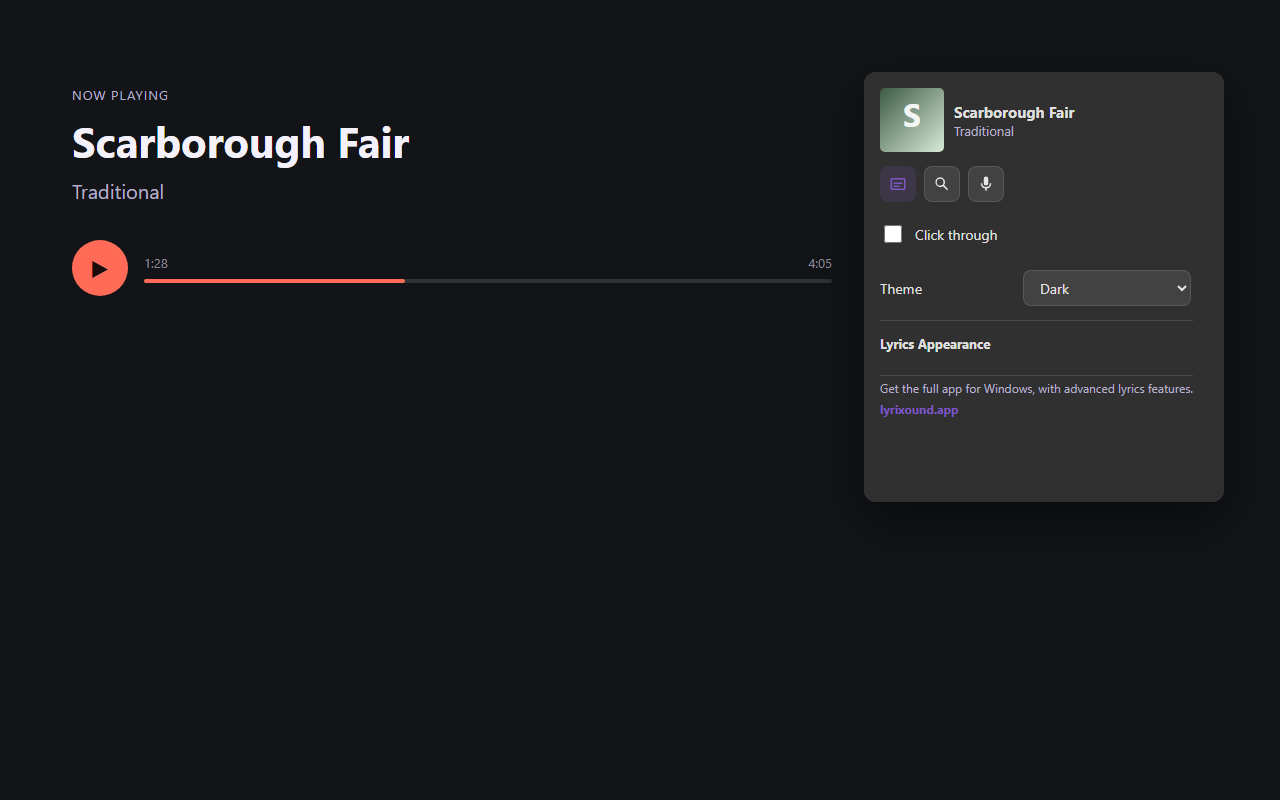
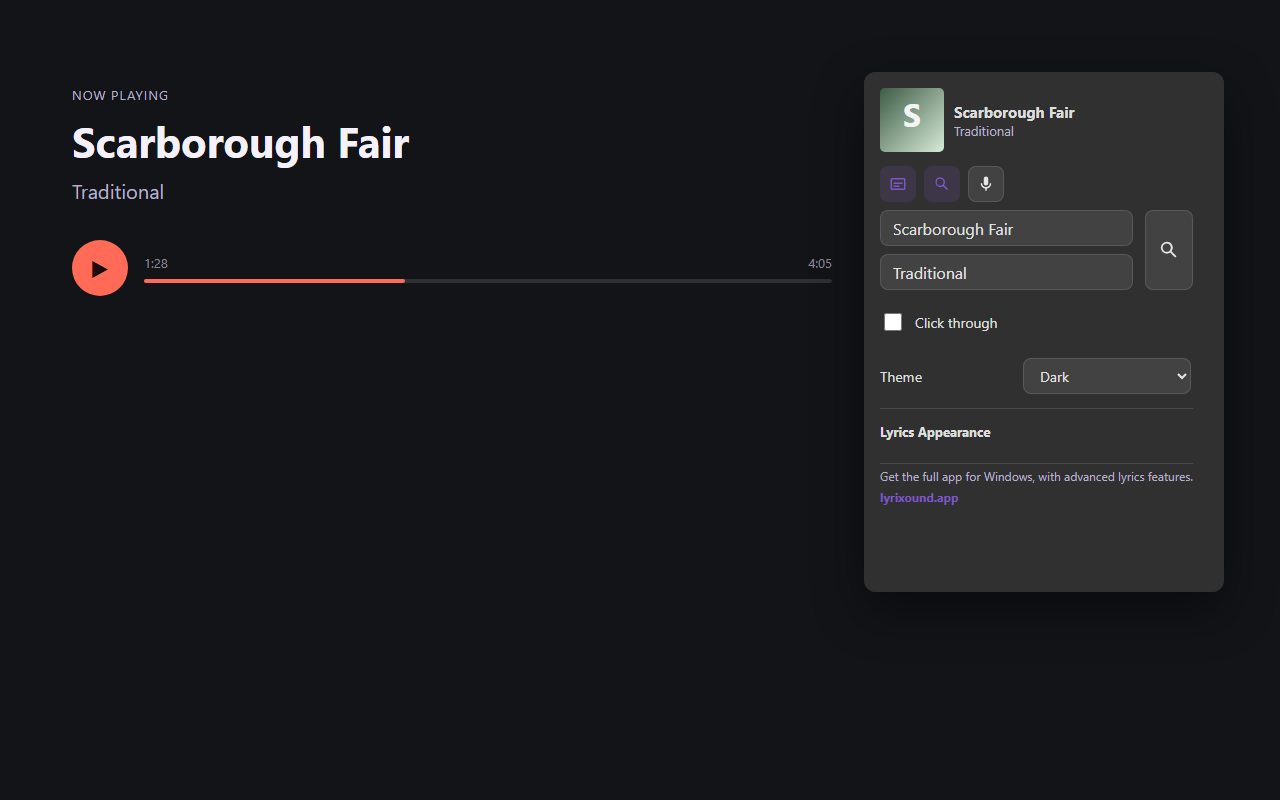
Search by title and artist, or identify the song from a few seconds of the tab’s audio.
-
Several lyrics sources
Looks up LRCLib, Musixmatch, and lyrics.ovh, and links the match back to its source.
-
A window you can move
Drag and resize it, collapse it to one line, float it above other tabs, or let clicks pass through to the page.
-
Line up the timing
Shift synced lyrics forward or back by a fraction of a second when the match is early or late.
-
Style the lyrics
Font, size, alignment, bold, italic, text color, shadow, and how solid the background is.
-
Light, dark, or auto
The lyrics window and the popup follow a theme, or match the browser.
The extension works in any Chromium browser, including Google Chrome, Microsoft Edge, Brave, Opera, and Vivaldi.
The Windows app adds more sources and appearance options. This extension is the browser companion while the store listing is on the way.
Screenshots
The popup, and the lyrics window on a playing track.