Lyrixound Pro for Windows
A one-time purchase for the extra look and controls
Finding and showing lyrics stays free. Pro adds Light and Dark theme, a click-through overlay, extra lyrics styles, and priority email support. There is no subscription.
Buy it once in the Microsoft Store, inside the app.
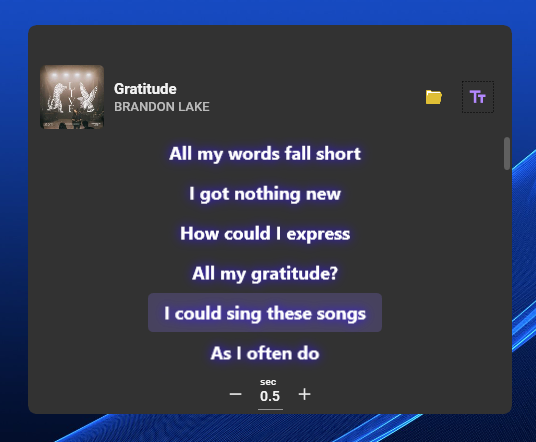
Light and Dark theme
Pro themes cover the main window, the overlay, and Settings. Turn Dark mode on from the Main tab.
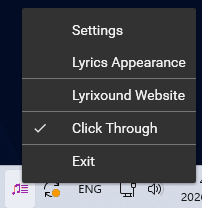
Click-through overlay
Click through lets clicks pass through the lyrics overlay to the app underneath. It is useful while gaming or working: the lyrics stay on screen, and you can still use what is behind them. Turn it on from Settings or from the tray menu. Both controls are marked as Pro.
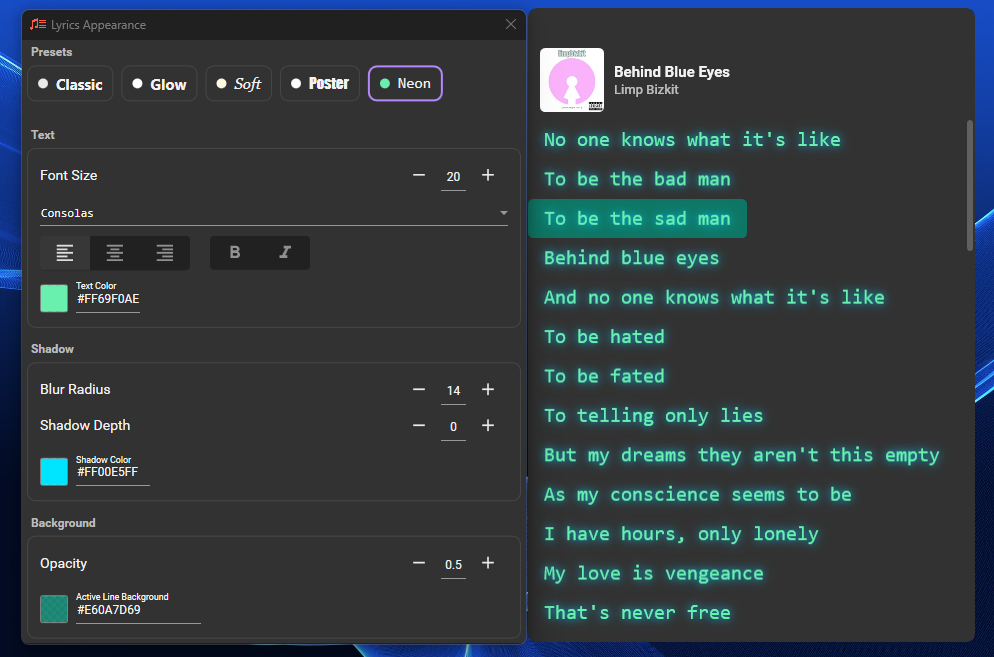
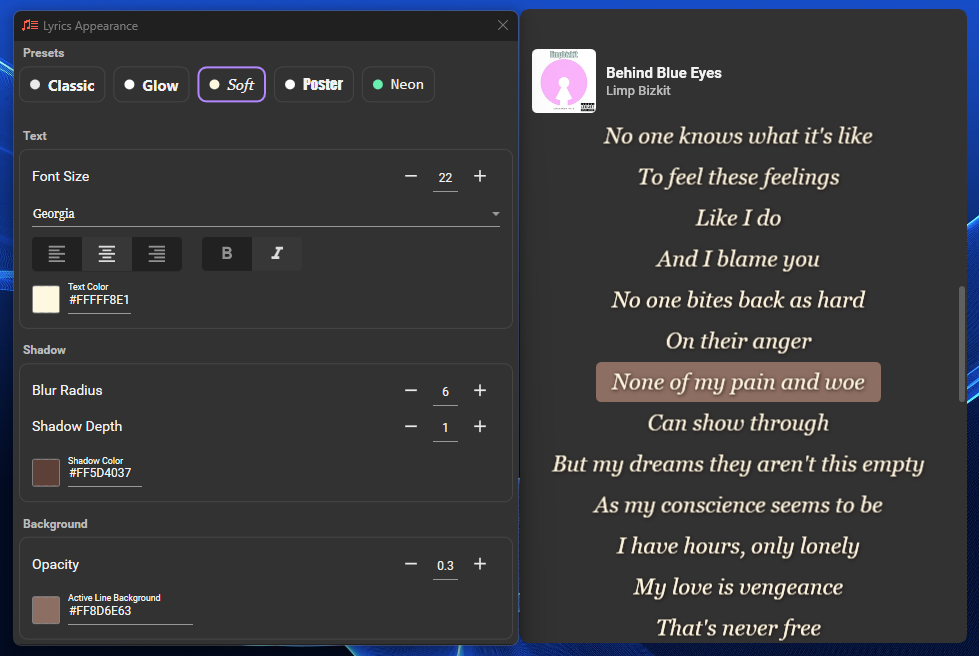
Lyrics styles
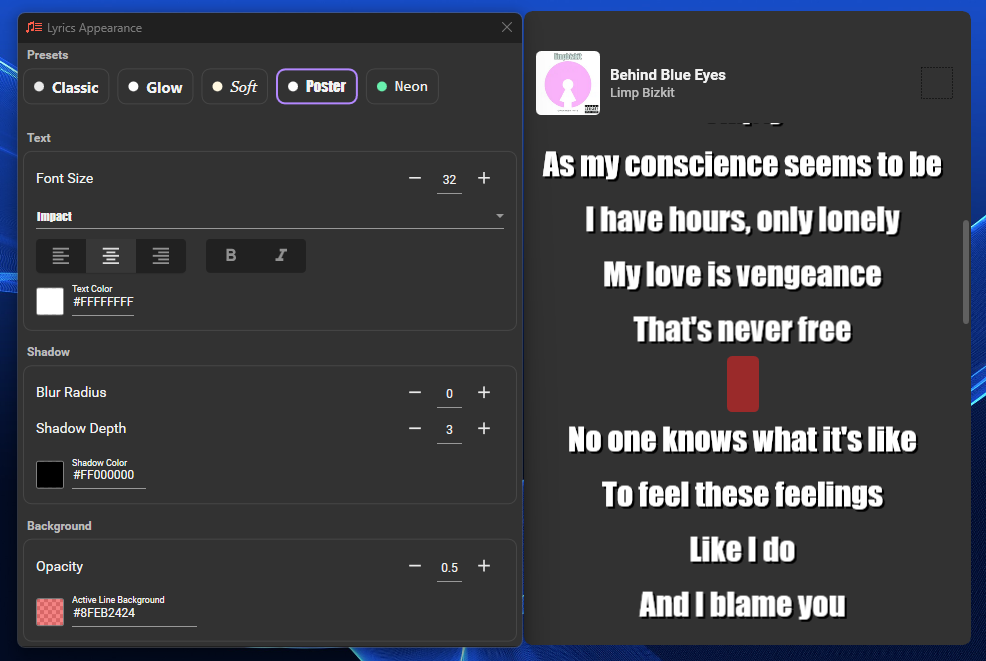
Classic and Glow stay free. Soft, Poster, and Neon are Pro. Open them from the customize button when you hover over the lyrics. Font, size, color, shadow, and alignment stay available either way.
Priority support
Pro email is answered first. Write to support@lyrixound.app.
What stays free
Song detection, synced lyrics, search, and audio recognition stay free. So do the free appearance controls: font, size, colors, and the Classic and Glow presets. See how to use the app.