How do I show lyrics while watching YouTube on Windows?
Open Lyrixound and play a music video in a compatible browser. The app reads the browser media information, cleans common title labels, and searches your enabled lyrics sources.
YouTube lyrics app for Windows 10 and Windows 11
Watch a music video while Lyrixound finds the song and shows lyrics beside or over the browser. It also follows Spotify and other Windows players or browsers that report the current track, and highlights synced lines when LRC lyrics are available.
Free download. Requires Windows 10 (1809+) or Windows 11.
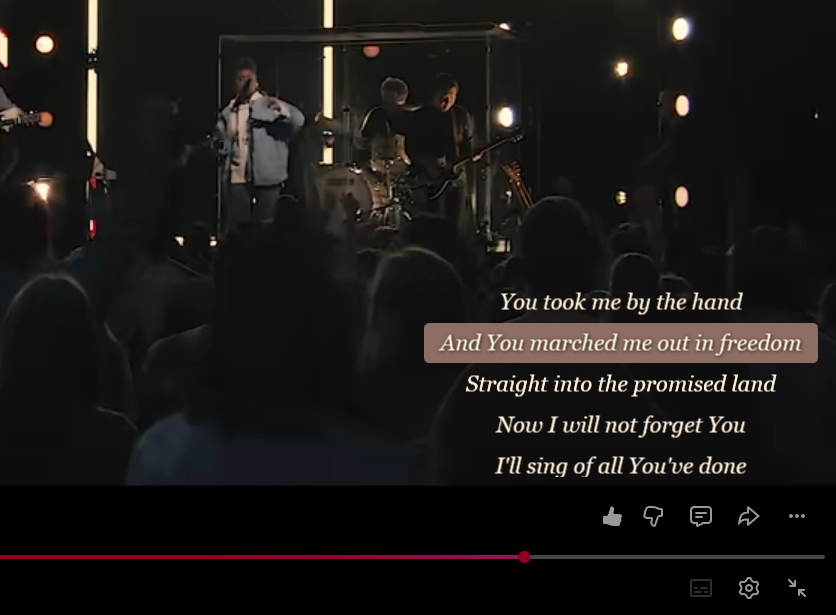
On YouTube itself, words appear only when the video has subtitles, and auto-generated subtitles work badly for music. Lyrixound does not use those captions. It runs beside the browser, reads the track Windows reports, and looks up lyrics on its own.
Install it from Microsoft Store and leave the app running on your desktop.
Use YouTube in a browser that exposes the current video through Windows media controls.
Lyrixound cleans the title, searches your lyrics sources, and displays the best match.
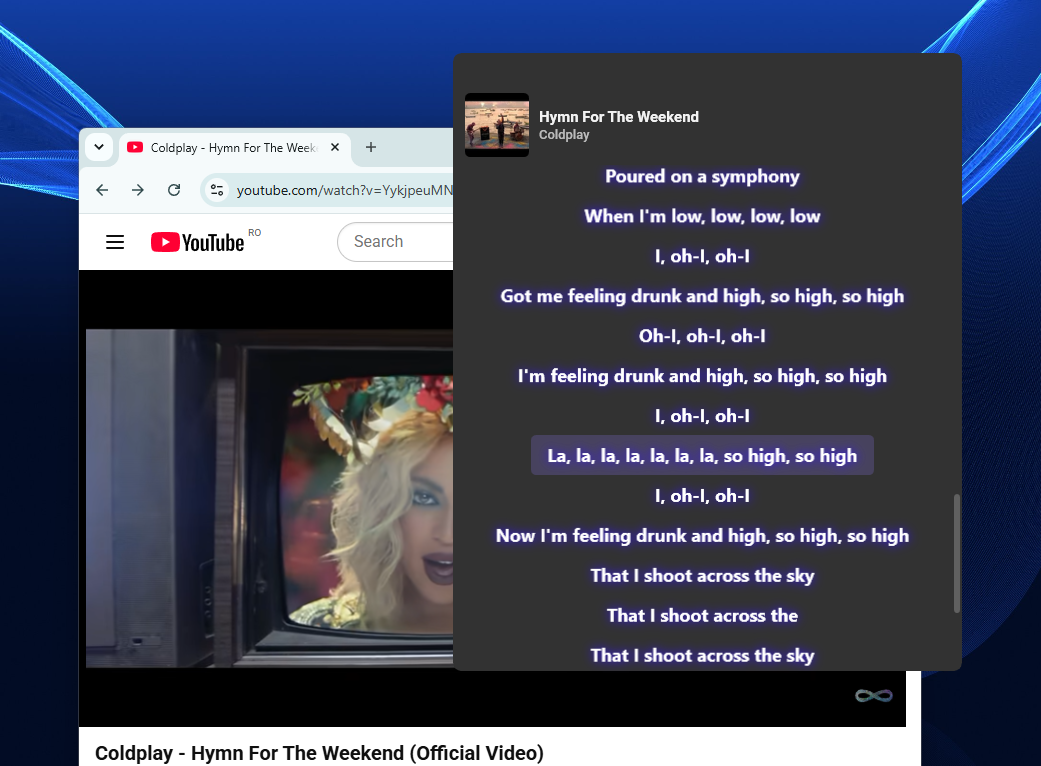
Music-video titles often contain labels that interfere with lyrics search. Lyrixound removes common noise, then uses the same overlay for other players and browsers.
Handles labels such as “Official Video,” Topic, VEVO text, and duplicated artist names.
Highlights the active line in time with playback when synchronized lyrics exist.
Edit the artist or title and search again when an upload uses unusual metadata.
Identify the song from system audio when the browser title is not enough.
Keep lyrics beside the video or on top of another app. Click-through is part of Lyrixound Pro.
The same Windows media path works for Spotify and other compatible players or browsers.
Lyrixound does not inject code into YouTube. It reads the media title and artist that a compatible browser reports to Windows, then searches lyrics independently.
Browser support and video metadata vary, so a match is not guaranteed for every upload. If automatic search misses, correct the fields manually or try audio recognition.
Open Lyrixound and play a music video in a compatible browser. The app reads the browser media information, cleans common title labels, and searches your enabled lyrics sources.
YouTube only shows words on the video when that upload has subtitles. Auto-generated subtitles work badly for music: sung lines are often wrong or missing. Lyrixound does not read those captions. It searches lyrics sources for the song.
Uploaders format titles in many ways, and browsers can expose incomplete media information. Edit the artist and title manually or use system-audio recognition.
No. It can also follow Spotify and other players or browsers that expose the current track through Windows media controls.
Explore all Lyrixound features or see more screenshots.